A planetarium for adults
See tonight’s sky from your town
Night Atlas opens on the real sky for a town you save. Name what is up, learn the constellations in Star Camp, and take the same figures outside.
Tonight, from the place you save
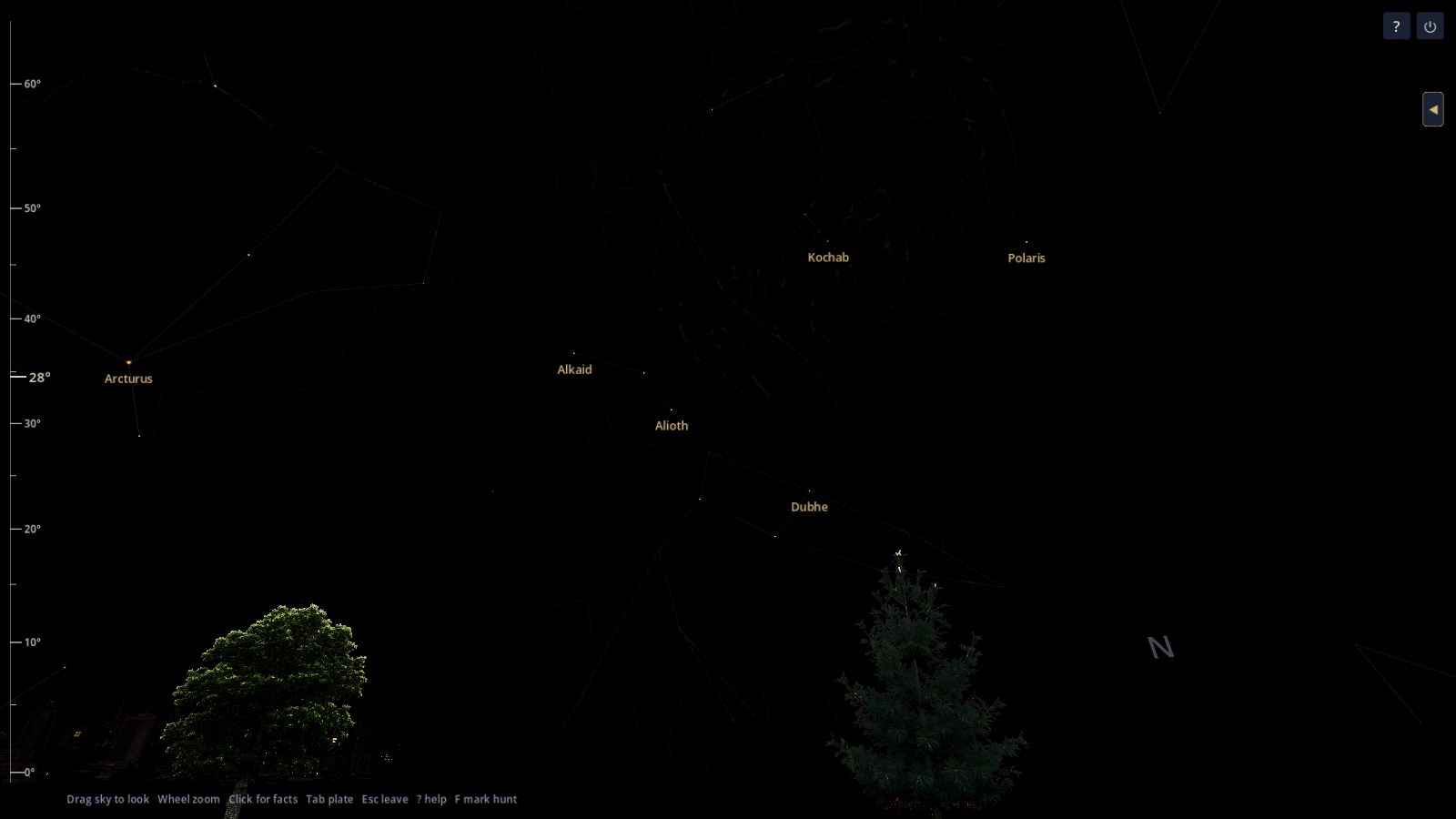
You search for a town, a state, or a country. Night Atlas does not ask for your location. It starts from the place you saved, after dusk, with the stars that are actually up. Lines and names can be on or quiet.
Search by the kind of object
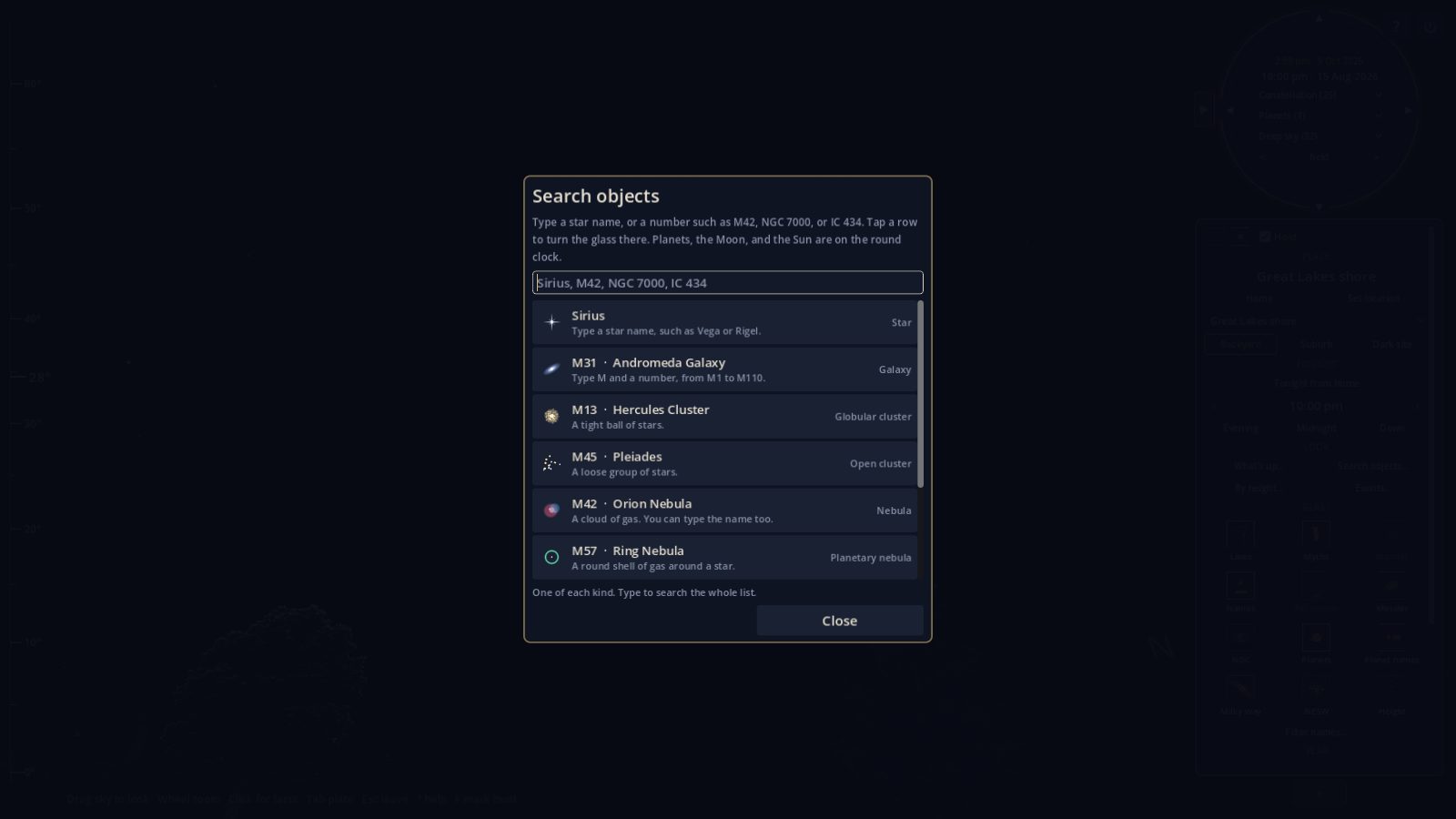
Type a star name, or a number such as M42, NGC 7000, or IC 434. Tap a row and the glass turns there. Planets, the Moon, and the Sun are on the round clock.
What is up, by how high it sits
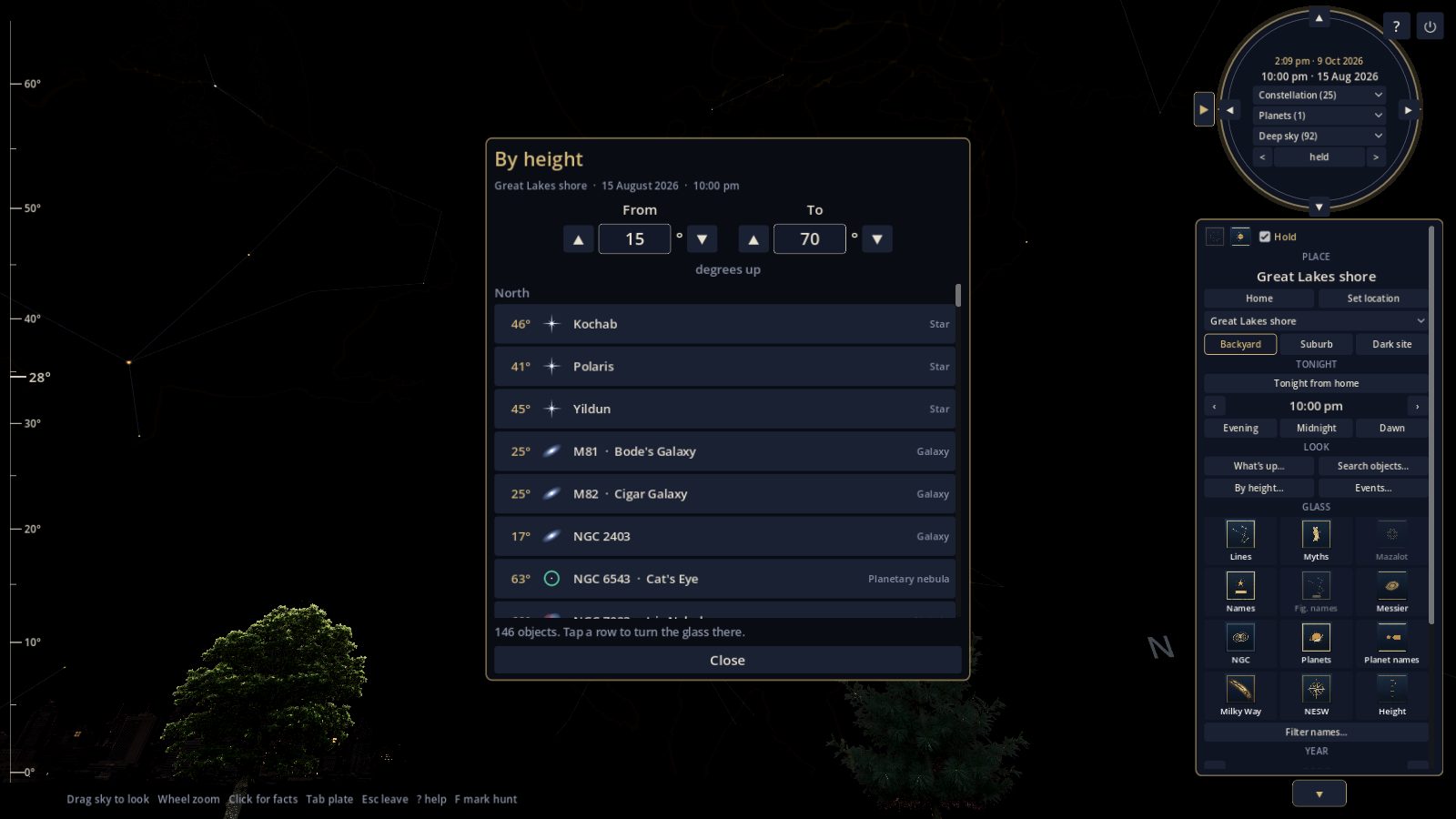
Choose how many degrees above the horizon you want, such as 15° to 70°. The list is for the place and the time on the clock. Tap a row to turn the glass there. A small picture on the row shows the kind: star, galaxy, cluster, nebula.
Learn the constellations in Star Camp
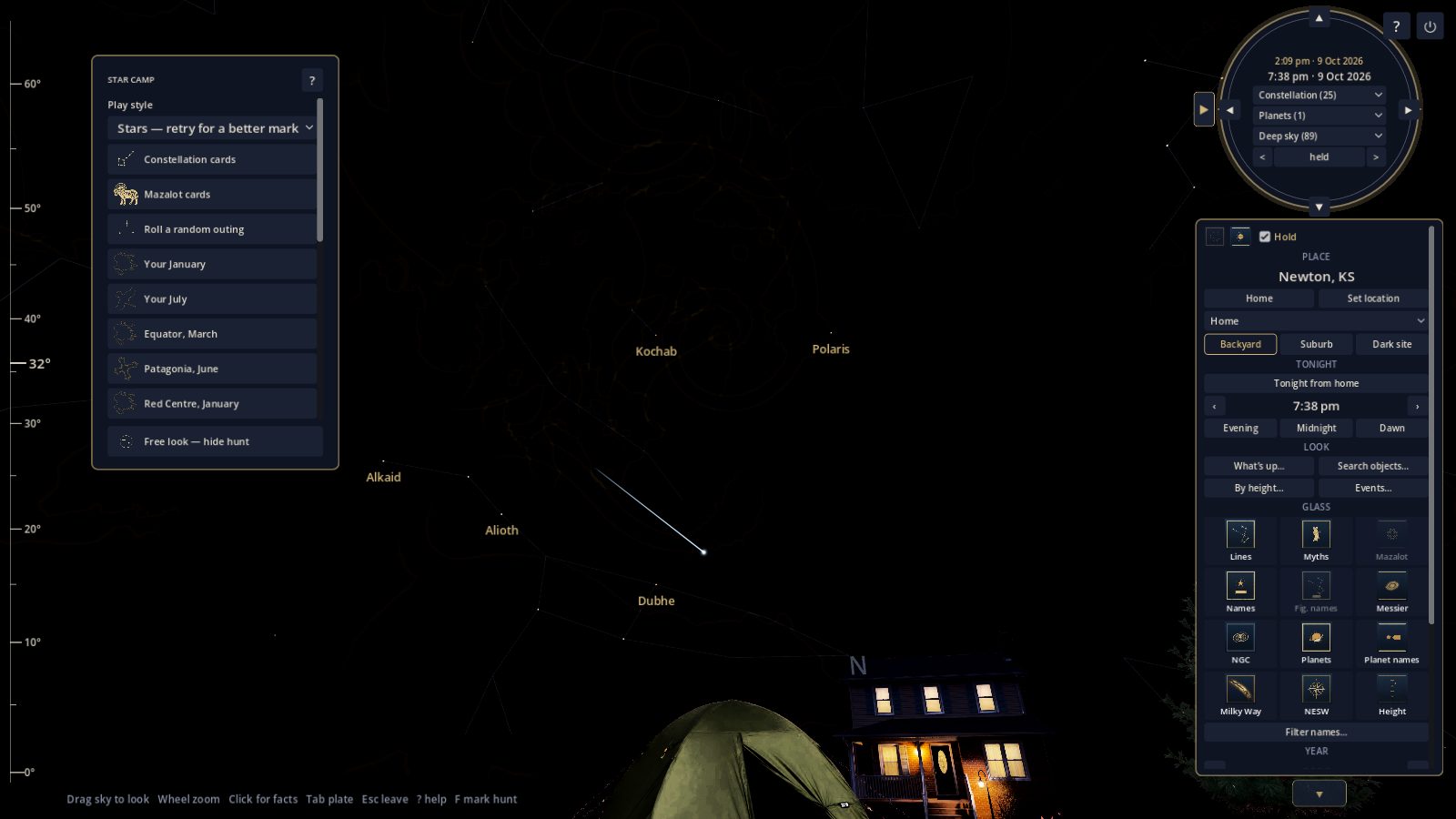
Star Camp uses the same sky and asks you to find what that night can really show. Constellation cards and Mazalot cards sit beside the glass. Roll a random outing, or open a season you want to practice: your January, your July, the equator in March, Patagonia in June, the Red Centre in January.
A desk that keeps your night vision
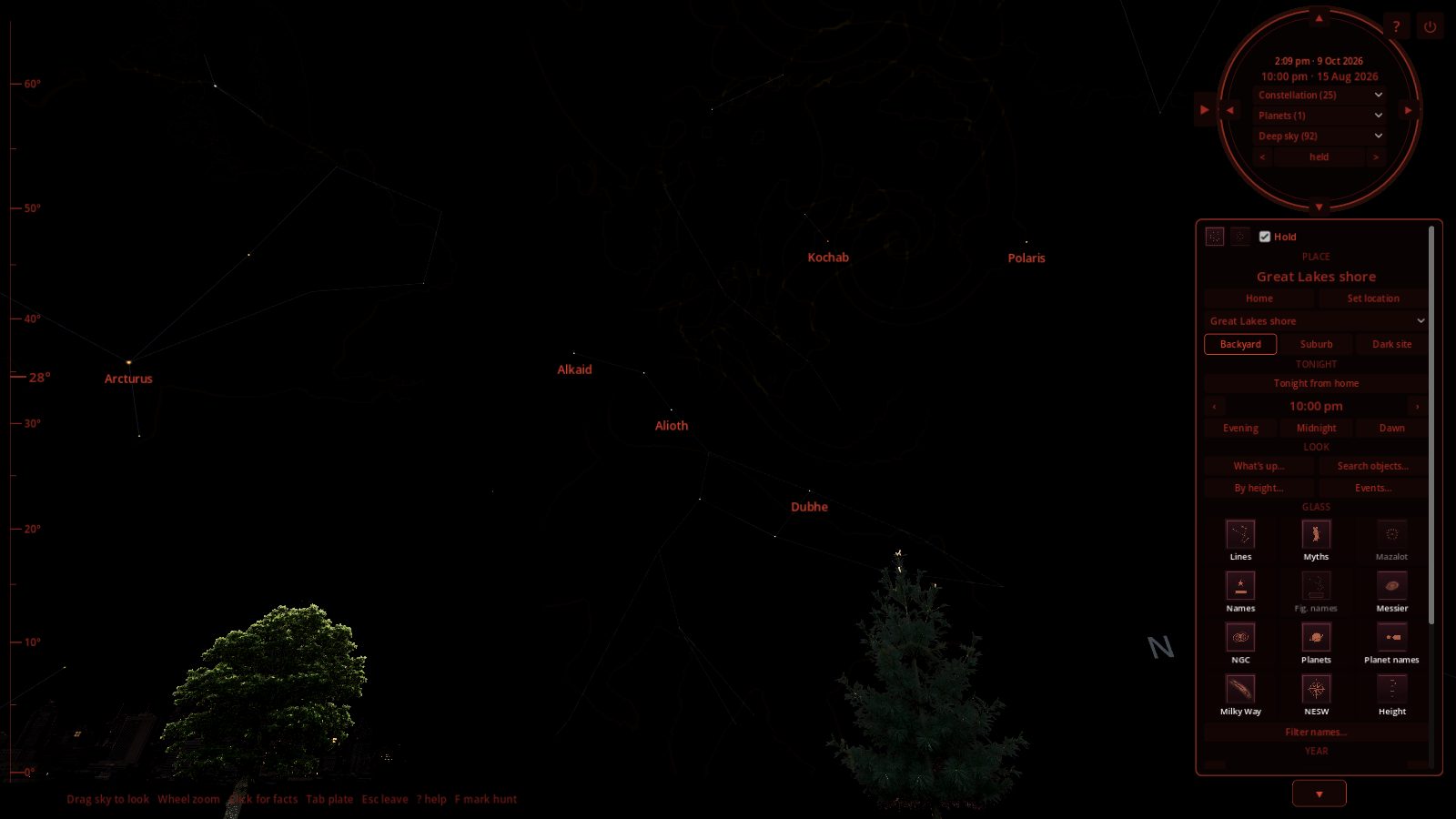
Turn night vision on before you step out. Menus, the clock, and the labels go dark red. Turn it off and the desk is cream and gold, for a lit room.
The sun on its real path, by day
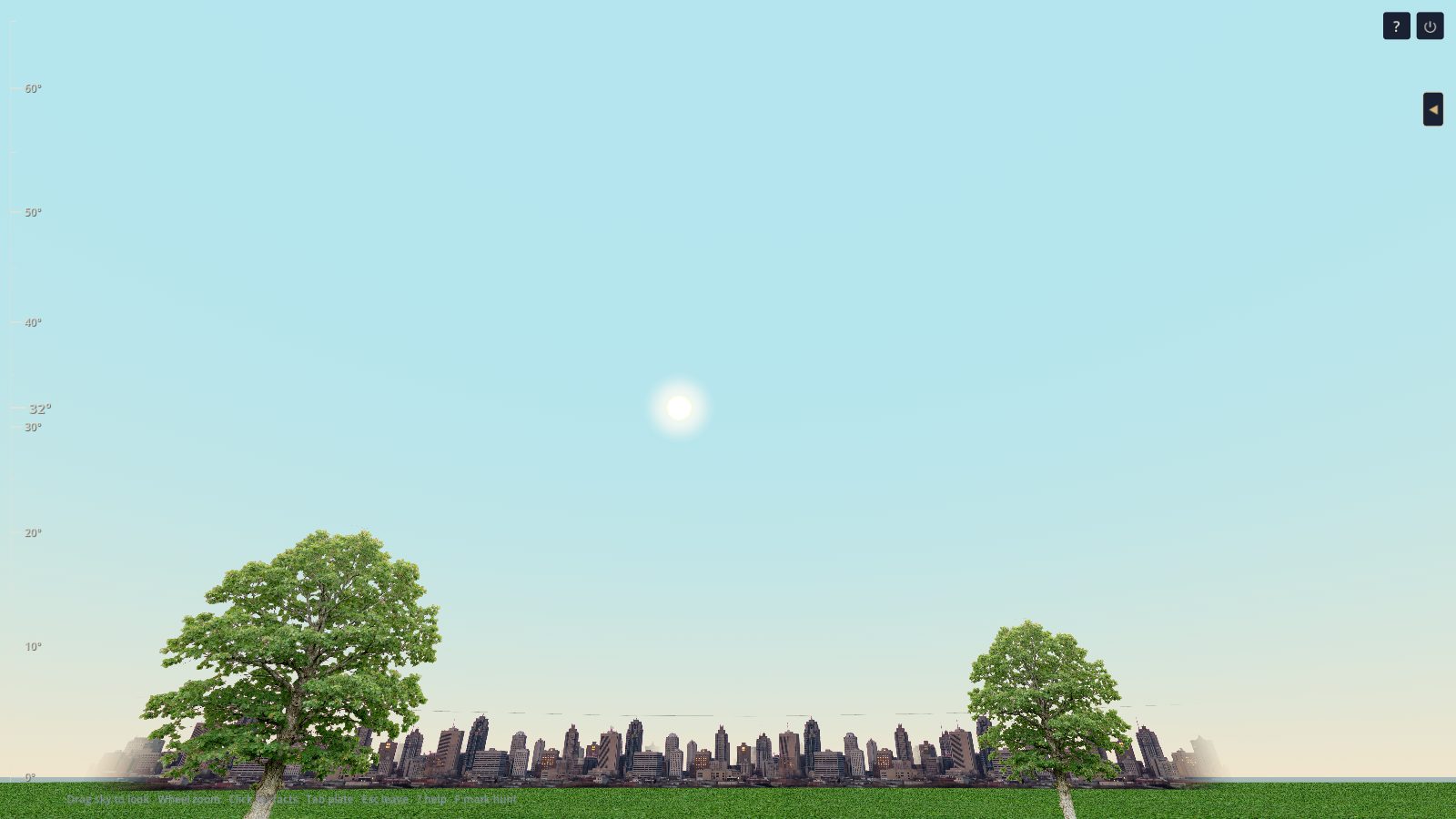
In daylight the sun is a disc in the sky. Speed the clock up and you can watch it rise, cross, and set. At night the same clock holds the planets and the Moon.
The ground changes with the place
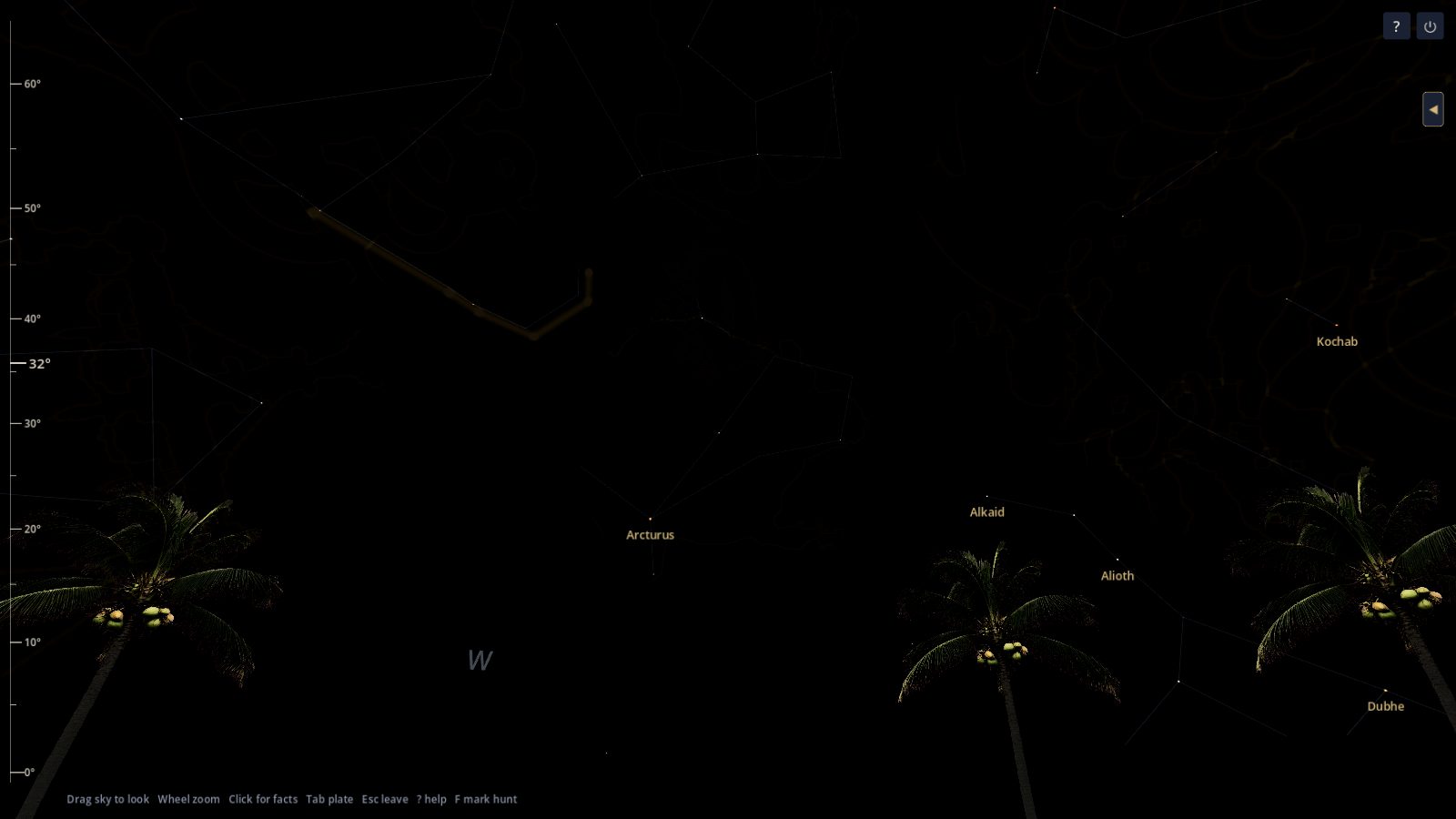
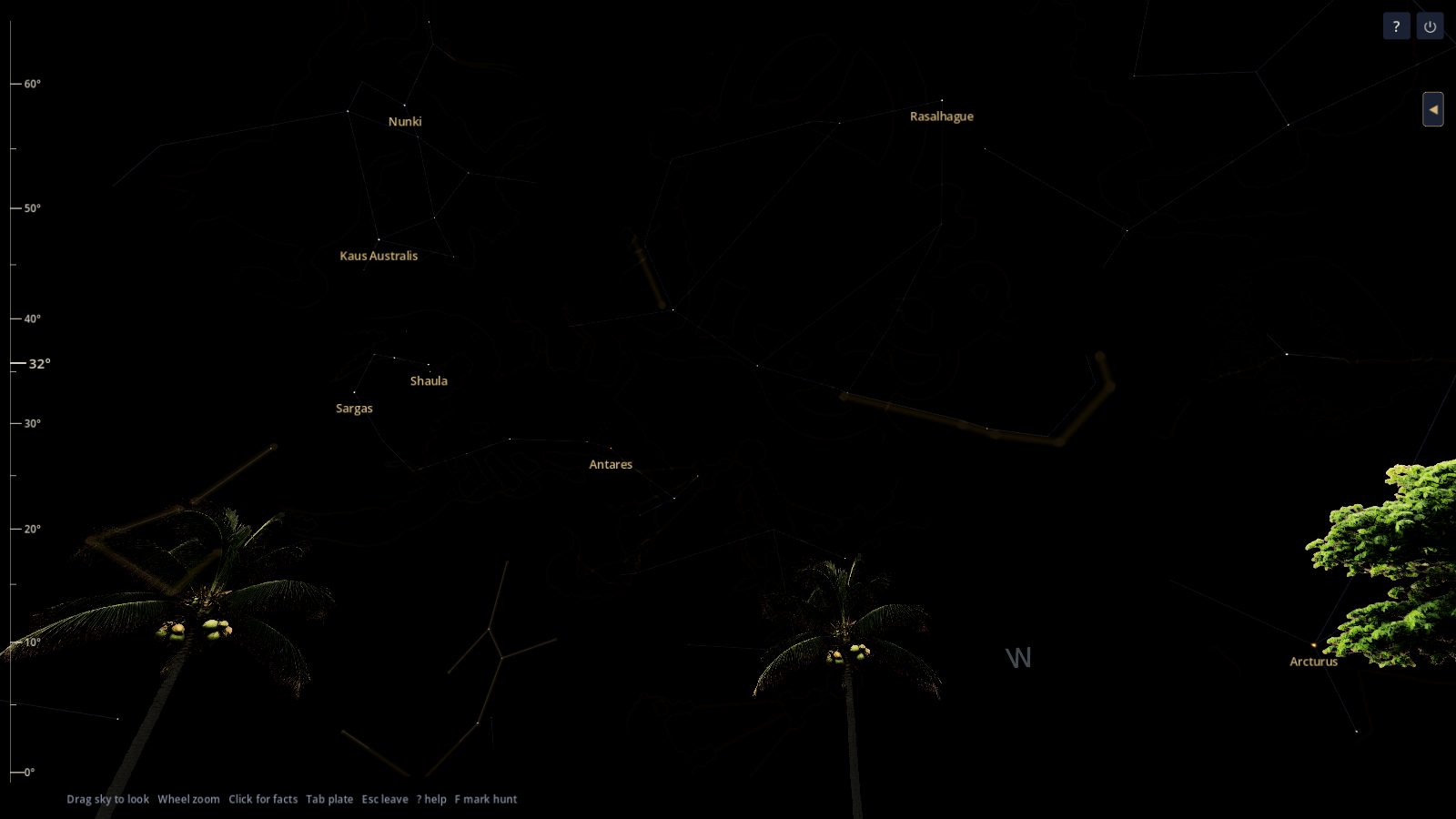
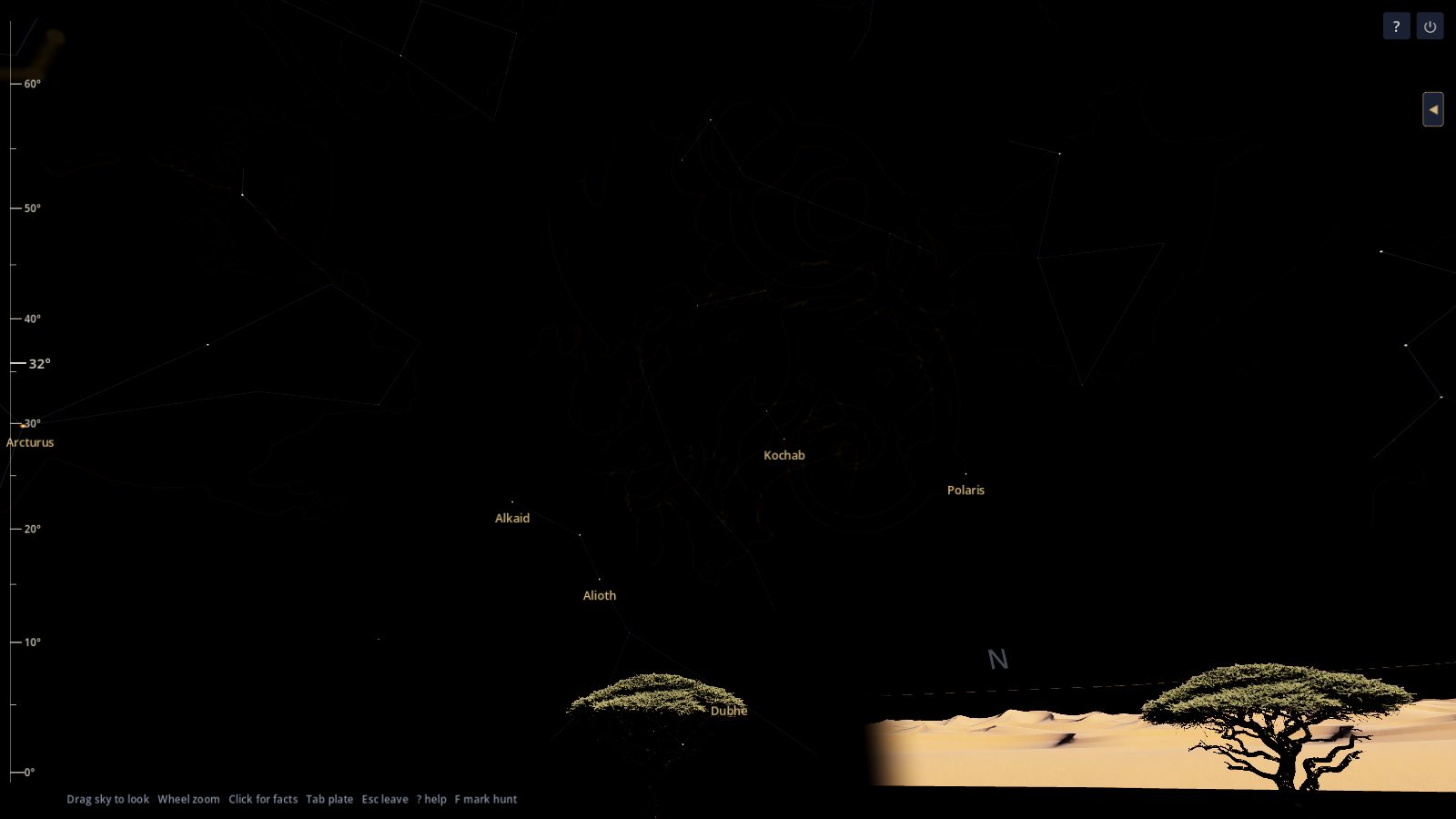
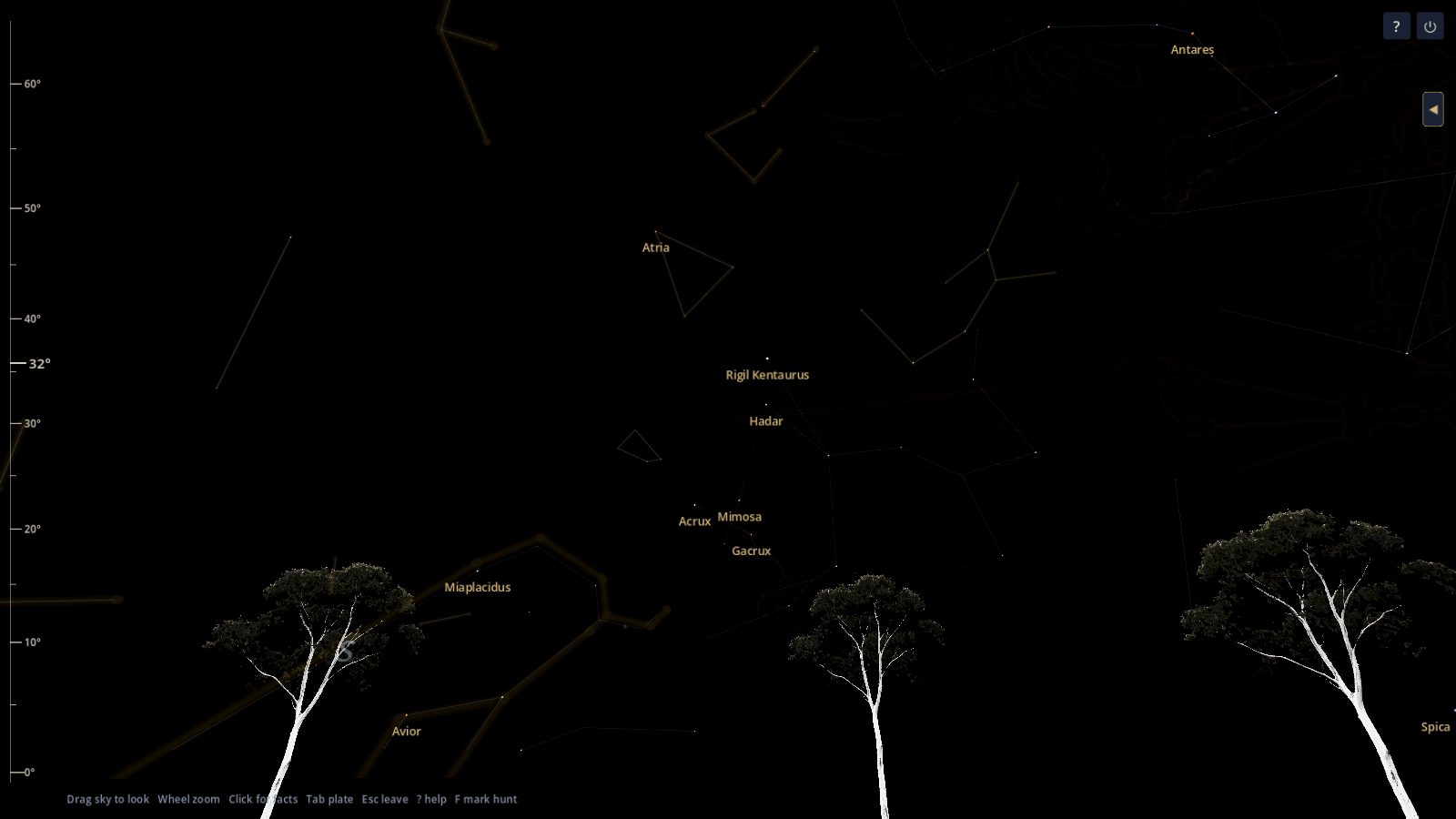
The horizon stays low, so trees and hills do not eat the sky. A North American town gets oaks and pines. Other places get the ground that belongs there, and the stars that belong at that latitude.
The Moon, the planets, and your photographs
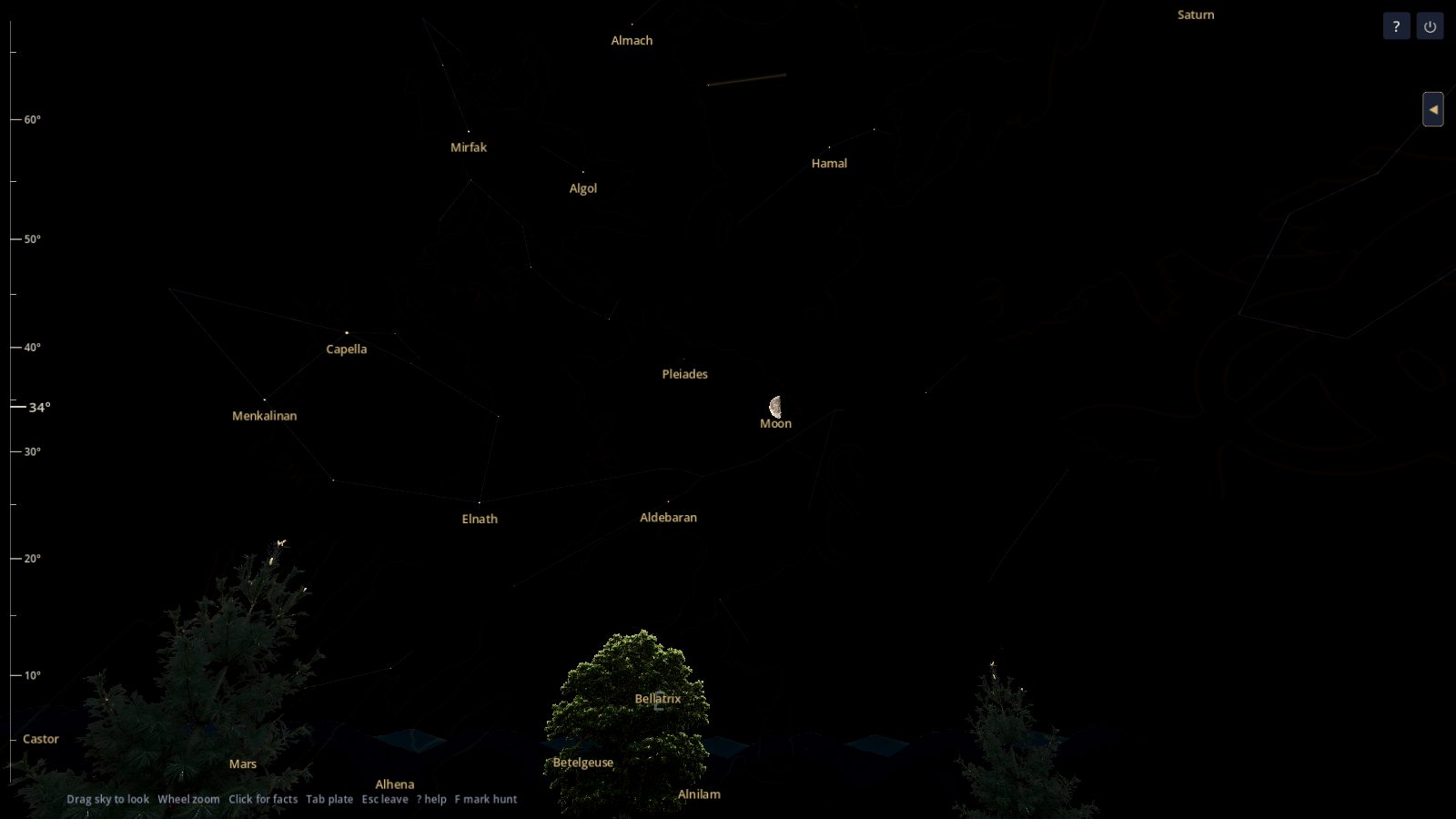
The Moon and the planets ride the round clock. Click the Moon and a photograph opens for some phases. Other phases open a NASA picture of the disc. NASA did not endorse this app. The Your photographs button adds a still of your own to a deep-sky object or a named star. Those files stay on your computer.
Events can also jump you to a planet worth seeing. The list below opens on Saturn at opposition.
Meteors, eclipses, and the night’s events
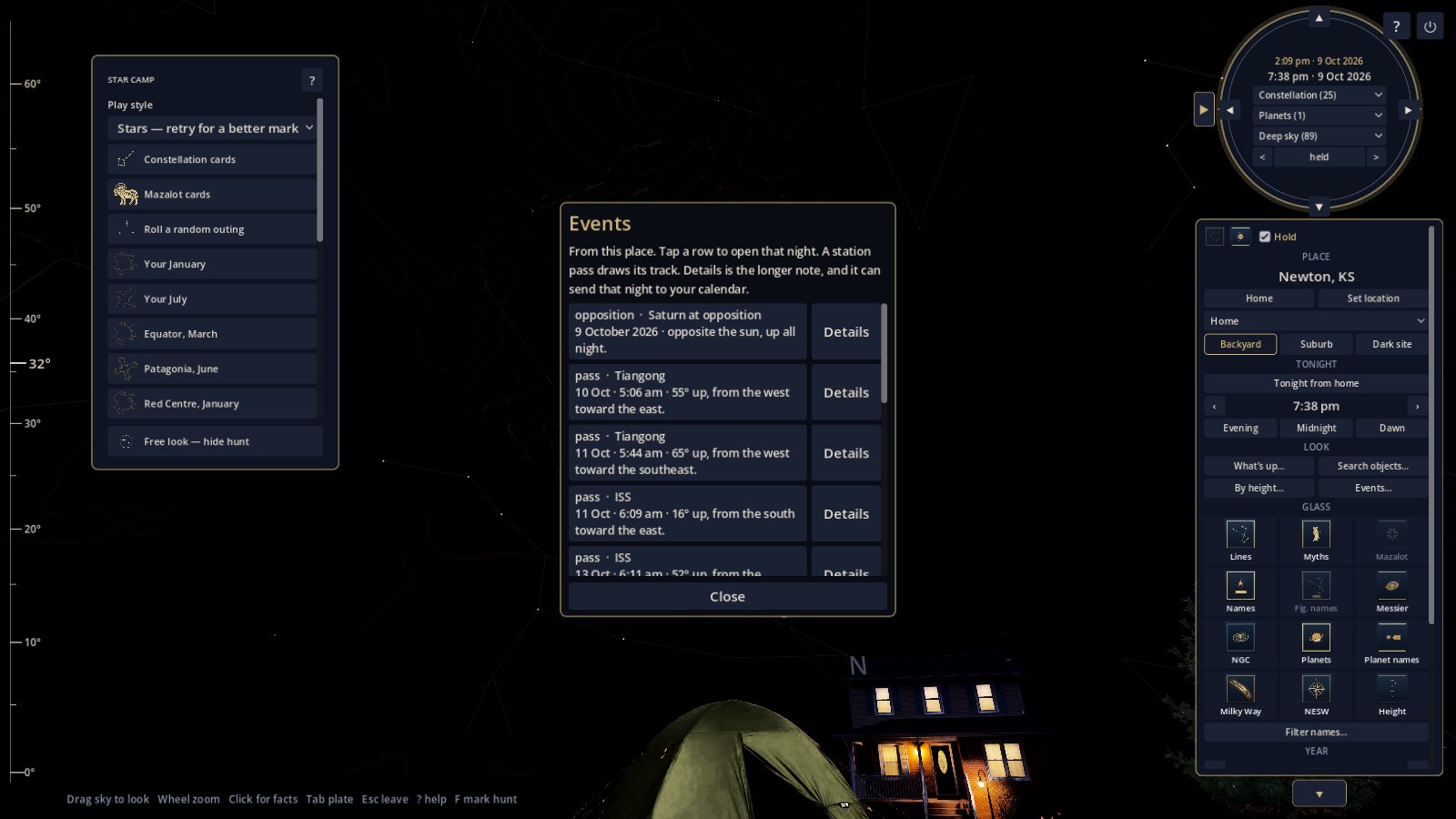
The same list holds eclipses, close planet pairings, oppositions, meteor peaks, and station passes from the place you saved. Tap a row to open that night. A meteor can also cross the glass on its own, the way the bright streak does in the Star Camp picture. A backyard and a bright Moon thin the faint ones, the way they do outside.
Questions
-
Is Night Atlas free?
Yes. The Windows app is free. There is no account to create.
-
What do I need to run it?
A Windows PC. The app is about 380 MB. The sky you zoom on the glass is in that file. The larger pictures you open with a click are a separate download of about 50 MB. A phone version is planned for later. It is not in this file.
-
Does it use my location?
No. You search for a town, a state, or a country. The app does not ask for a location permission. The town, your settings, and your sky log stay in the app’s own files on that computer. This page does not receive them.
-
Can I learn the constellations, or is it only a planetarium?
Both. The planetarium shows tonight’s sky from your town. Star Camp is how you learn the figures, on that same sky.
-
Does this page collect anything?
Only if you leave an email because you want one note when a later build is ready. That address is stored by Buttondown so the note can be sent. Night Atlas does not sell it.
Download for Windows
Night Atlas for Windows is free. This is an early desktop version. The download is about 380 MB. Zooming the sky uses the pictures in that file.
Windows SmartScreen may warn you the first time, because the app is not code-signed yet. If it does, choose More info, then Run anyway.
The larger photographs are a separate download, about 50 MB. The glass looks the same without them. Unzip the pack so a folder named photographs sits next to Night Atlas. A click on a Stellina object, the Moon, or a planet then opens the larger picture.
Made by Partridge Enterprises LLC. The sky math and the catalogs are credited inside the app. Credits
One note when there is news
Leave an email if you want a single message when a later build is ready. No account. No other mail.
The list is kept by Buttondown. You can leave it whenever the mail says how.
Privacy
This page asks for an email address only if you want news of a later build. That address is stored by Buttondown so the note can be sent. Night Atlas does not sell it, and does not add it to anything else.
The Windows app runs on your computer. Your town, your settings, your sky log, and any photographs you add stay in the app’s own files on that machine. The page does not receive them.
Questions about this page or the app: partridgeenterprises.llc@gmail.com.